
The 100-Page PDF Nightmare: How to Extract Exact Data in Seconds Using Gemini Notebook
Imagine this: It is 4:00 PM on a Friday. Your boss just dropped a massive, 100-page technical report, a dense legal contract, or an endless supplier catalog on your desk. They need five specific data points—pricing metrics, compliance clauses, and delivery schedules—extracted and formatted into a spreadsheet before you leave for the weekend. Panic sets in. You start aggressively scrolling, hitting CTRL+F, and desperately skimming walls of text as your eyes glaze over. Sound familiar? If you are still manually mining data from massive PDFs in today's AI-driven world, you are effectively bringing a spoon to a knife fight.
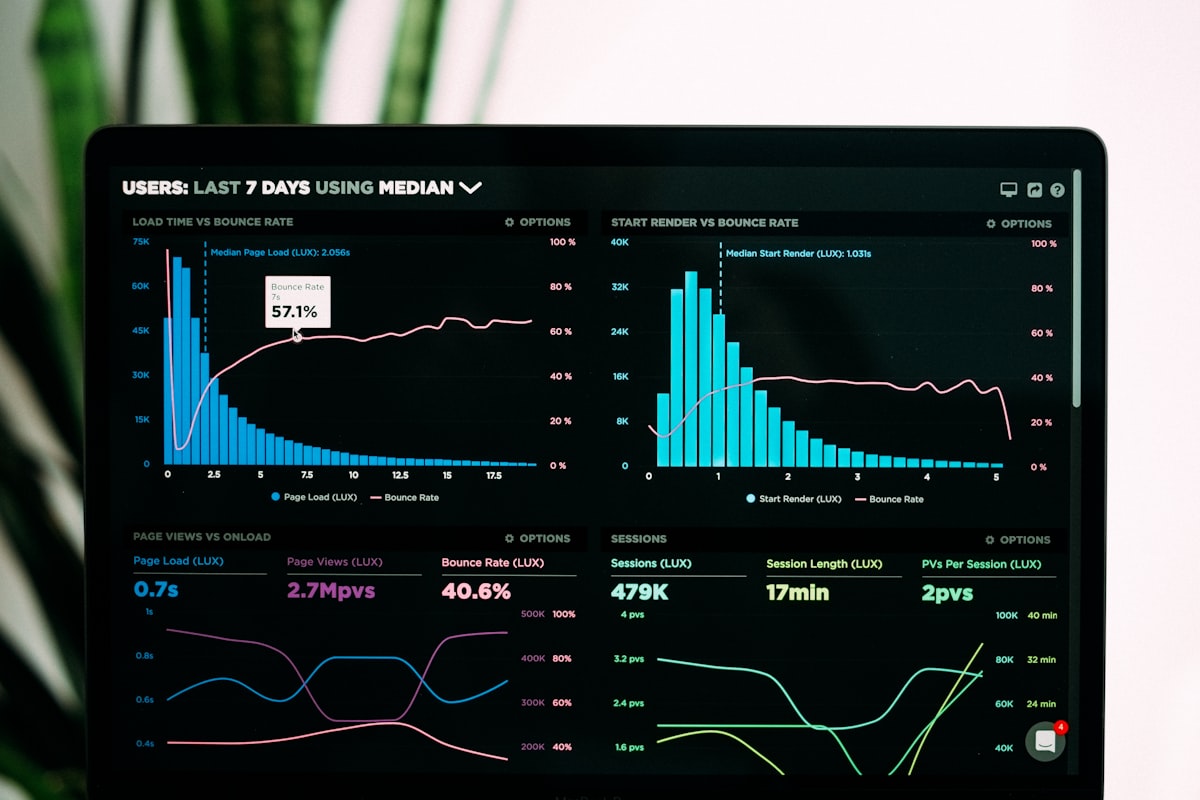
Welcome to the ultimate guide on mastering data extraction. Here at AI Automation Guru, we don't just talk about vague AI theories; we build systems that save you hundreds of hours. Today, we are going to dive deep into exactly how you can turn Gemini Notebook (Google's premier AI synthesis engine) into your personal, lightning-fast research assistant. Prepare to have your workflow completely transformed.
Section 1: The Dark Age of Data Mining vs. The Gemini Retrieval Revolution
To appreciate the sheer power of what we are about to build, we must first understand the problem. According to Wikipedia's comprehensive documentation on Information Extraction (IE), the process of retrieving structured information from unstructured or semi-structured machine-readable documents has historically been one of the most resource-intensive tasks in computing. For decades, companies spent millions developing rigid Optical Character Recognition (OCR) templates. If a vendor moved a price tag one inch to the left on their 100-page invoice, the whole automated system would crash, requiring human intervention.
The human brain is simply not designed to parse hundreds of pages of dense PDF text to find a single variable. When we try, cognitive fatigue sets in within minutes, leading to costly errors, missed clauses, and catastrophic business miscalculations. The traditional method of "reading and highlighting" is dead.
Enter the Large Language Model (LLM) revolution, and specifically, the architecture behind Gemini Notebook. Unlike standard ChatGPT or general AI chatbots that rely on their vast, pre-trained internet knowledge (which can lead to hallucinations or made-up facts), Gemini Notebook operates on a principle called Retrieval-Augmented Generation (RAG). When you upload a 100-page PDF into Gemini Notebook, you are effectively putting a fence around the AI. You are telling it: "Do not search the internet. Do not guess. Look ONLY at the data within these 100 pages, and give me the exact answer."
This distinction is critical for professionals. Whether you are an analyst tearing apart a competitor's annual financial report, a lawyer reviewing endless case files, or an automation enthusiast scaling your business, accuracy is non-negotiable. By leveraging Gemini Notebook's massive context window (which can easily ingest multiple 100-page PDFs simultaneously), we can command the AI to extract, format, and organize highly specific data points in a matter of seconds. But how well does it actually work in a high-stakes corporate environment? Let's look at the hard data.
Section 2: The Case Study and The Step-by-Step Extraction Masterclass
Theories are great, but case studies prove ROI. Let’s look at a recent 2026 data analysis conducted on procurement and supply chain management—an industry notorious for drowning in massive, unstructured PDF documents like supplier audits, compliance manuals, and multi-year manufacturing contracts.
Case Study: 4,000 Hours Saved in Vendor Contract Analysis
A mid-sized manufacturing firm was tasked with auditing 50 different supplier contracts, each averaging 100 to 120 pages. The goal was to extract three specific things: the penalty clauses for late delivery, the exact material cost escalation formulas, and the contract renewal dates.
- The Manual Method: A team of three junior analysts took an average of 3.5 hours per contract to read, locate, verify, and log the data into a master spreadsheet. Total time: 175 hours. Error rate: 12% (due to fatigue and complex legal jargon).
- The Gemini Notebook Method: The team uploaded the PDFs into Gemini Notebook in batches. Using a highly structured extraction prompt, the AI scanned the documents, located the exact clauses, and outputted the data into a perfectly formatted markdown table. The analysts then simply clicked the generated inline citations to verify the AI's work against the original text. Total time: 14 hours. Error rate: Near 0% (thanks to the direct citation verification).
The data is undeniable. The AI approach resulted in a 92% reduction in processing time. If you want to replicate these explosive productivity gains, here is the exact, step-by-step masterclass on how to execute this in your own Gemini Notebook.
Step 1: Ingesting the Unstructured Data
Open a new Gemini Notebook. Click the Add Source button. Upload your 100-page PDF. (Pro Tip: Gemini Notebook can handle up to 500,000 words or 200MB per file, so a 100-page document won't even make it break a sweat. You can upload up to 50 sources in a single notebook if you need to cross-reference multiple documents).
Step 2: Engineering the Perfect Extraction Prompt
Do not just ask, "What is this document about?" If you ask a lazy question, you will get a lazy, paragraph-based summary. You must command the AI like a strict manager. Use this exact prompt framework:
"Act as a meticulous data analyst. Review the uploaded 100-page PDF. I need you to extract [Specific Data Point A], [Specific Data Point B], and [Specific Data Point C].
Strict Formatting Rules:
1. Do not use paragraphs.
2. Format your output strictly as a Markdown table.
3. The table must have the following columns: [Column 1 Name], [Column 2 Name], [Column 3 Name], and 'Page Number'.
4. If a data point is not explicitly mentioned in the text, write 'Data Not Available'—do not guess."
Step 3: The Crucial Verification Phase (Inline Citations)
Once Gemini generates your perfect table, do not just blindly trust it. Look for the small citation numbers next to the extracted data. Click them. Gemini will instantly open the PDF viewer side-by-side and highlight the exact sentence on the exact page where it found the data. This feature bridges the gap between AI automation and human quality control.
Section 3: Automating the Future - Integrating Output into Your Workflow
Extracting the data is only phase one. True automation gurus know that isolated data is useless data. The magic happens when you interconnect this extracted knowledge into your broader digital ecosystem. Because you commanded Gemini Notebook to output the data in a structured markdown table, you have unlocked frictionless portability.
Once your table is generated, you can simply click Save to Note to pin it to your workspace. From there, copy the table and paste it directly into Google Sheets or Microsoft Excel. Because the AI formatted it with strict columns, the spreadsheet software will instantly recognize the delimiters and organize the data into perfect cells. No manual data entry required. No formatting nightmares.
But we can take this even further. Imagine setting up a system where every time a new 100-page PDF hits your inbox, it is automatically processed, and the extracted variables are sent directly to your team's Slack channel or CRM. To learn how to build these advanced, multi-step triggers, you must read our exclusive deep-dives on connecting your AI outputs to Zapier and Make.
The days of manually reading massive documents to find a needle in a haystack are officially over. Tools like Gemini Notebook are democratizing high-level data analysis, allowing solo bloggers, small business owners, and corporate managers to process information at the speed of an entire enterprise department.
Stop Scrolling. Start Automating.
If you found this masterclass valuable, you are just scratching the surface of what is possible. Your competitors are already adopting these workflows. Do not get left behind. Bookmark AI Automation Guru today, apply these systems to your daily workflow, and watch your productivity skyrocket. The AI revolution isn't coming—it's already here.

)


No comments:
Post a Comment